
Collaboration
Media & folders
Keep a media library and Drive or Dropbox folder links on the same production record.
What it covers
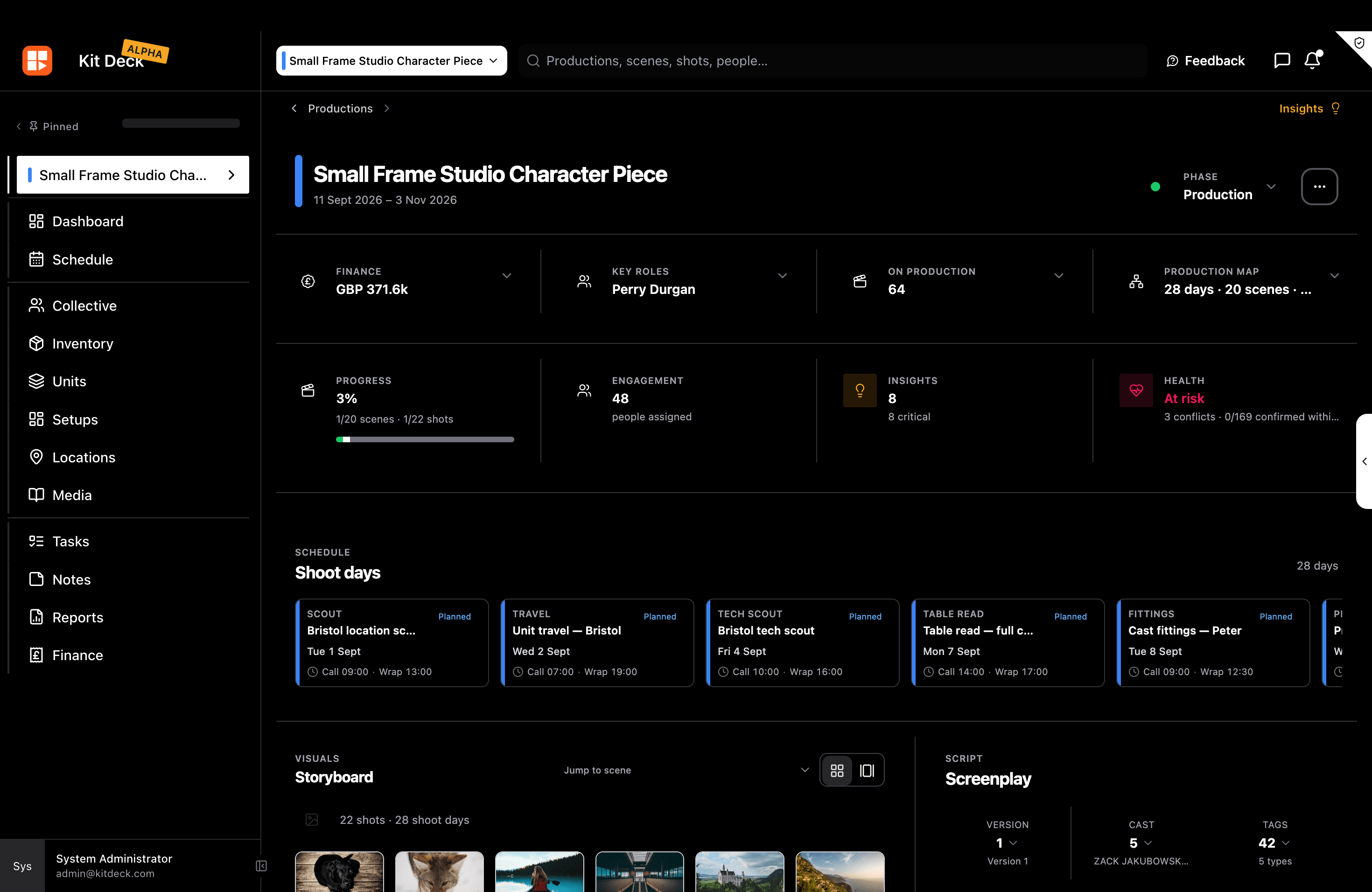
Reference files and folder links live on the production, next to the callsheet, the setup, and the shoot day they belong to.
A library on the show
Keep the media the production actually uses in the library for that record. The file reference stays put, so a link you shared on Monday is the same link on the shoot day.
Drive and Dropbox folders
Link a Google Drive or Dropbox folder to the production when the rushes, boards, or art live there already. The folder is part of the record. People are not hunting a URL in an old email.
Next to the work
Documents are tied to productions, scripts, and tasks. A board for a setup or a file for a scene is findable from the show, not from a drive that only one coordinator can navigate.
On the same record
Access still applies. A folder link does not bypass who is allowed to see the production. Scripts and tasks can point at the same documents the rest of the team is already using.
Also in Collaboration
One crew. One record. One slate.
Get everyone on the same page.
One place for the script, the money, the people, and the numbers. Build what moves in Flow Slate.