

Planning & on set
Script import & breakdown
Import Fountain, PDF, FDX, or Google Docs and auto-build scenes, shots, cast, props, and wardrobe.
What it covers
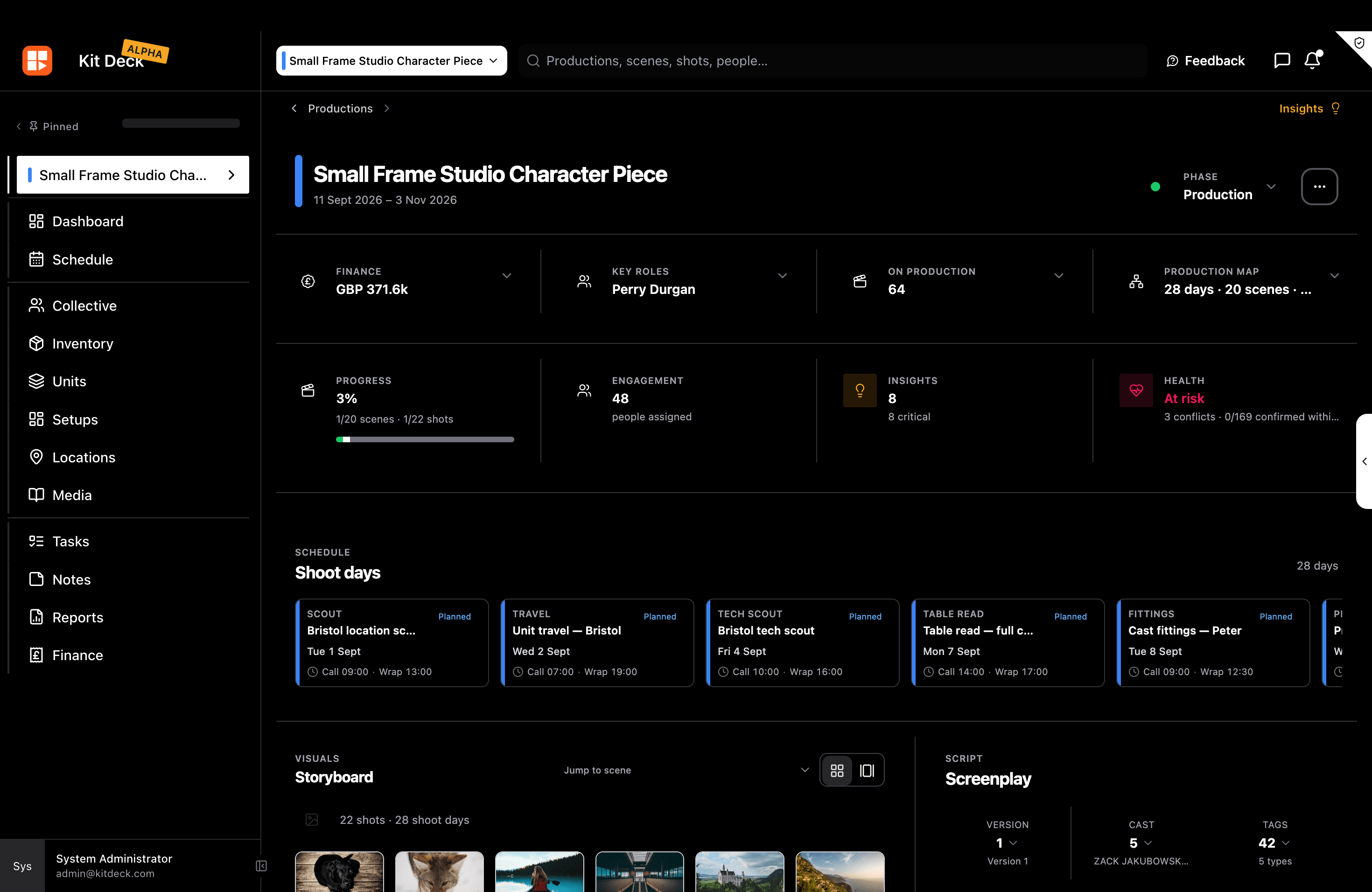
The screenplay is the first record of the shoot. Import it, preview the breakdown, and turn scenes into shoot days without retyping the same list into a stripboard.
Fountain, PDF, FDX, or Google Docs
Bring the script in the format you already have. Fountain and FDX keep scene headings and dialogue structured. PDF import still pulls sluglines and looser action text. The original file stays with the script so you can go back to the source.
Preview before anything is created
A preview pass returns the parsed breakdown and a resource plan, including approximate page starts and scene length in eighths. The import wizard walks Production, Team, Breakdown, Tags, Shoot Days, and a report, so you can see the shape of the shoot before it lands on the schedule.
Scenes, shots, cast, props, and wardrobe
Speaking characters come from character cues that are followed by dialogue, so the cast list is the people who actually speak. Scene headings such as INT. BEDROOM - NIGHT stay scenes. Tags on the breakdown cover cast, props, and wardrobe that continuity and inventory can pick up later.
Create the days from the parse
When you create, the import builds shoot days, assigns scenes, and inserts timeline items. You are not copying the scene list into another tool. Breakdown cast and props are not invented as people or gear on their own — you link Collective people and inventory items after the import.
On the same record
A saved script feeds the stripboard, the production screenplay, and continuity. Screenplay tags can sync into character looks, so wardrobe and props tagged in the script show up on the matrix instead of in a separate breakdown spreadsheet.
Also in Planning & on set


One crew. One record. One slate.
Get everyone on the same page.
One place for the script, the money, the people, and the numbers. Build what moves in Flow Slate.